 Steps
Steps
Steps
Double click on Employee From and To fields and select the employee code/codes. This can be a group of employees or single employee.
Double click on Leave From and To fields and select the leave type / types which need to be setup for the employees selected.
Select Generate
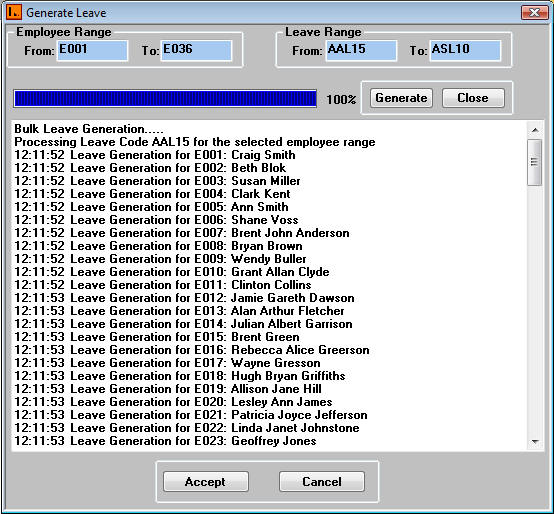
This will generate the leave types selected in the Leave Rage fields and assign it to the employees selected.
Upon successful generation, the system will display the following message: ‘Creation Successful. Accept Changes to Database?’
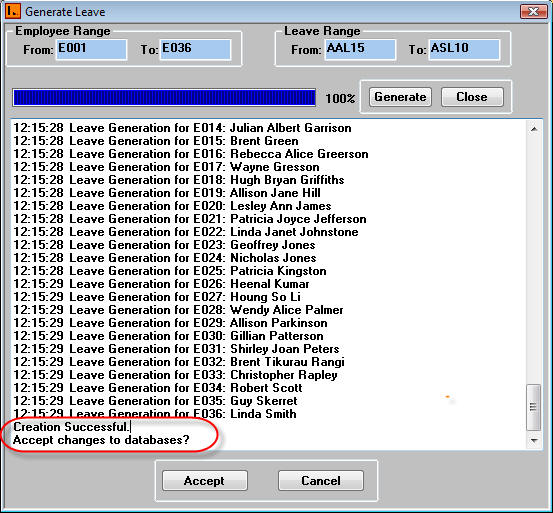
Select Accept and the system will allocate the leave types to the employees.